 Analysis by Gamescozy
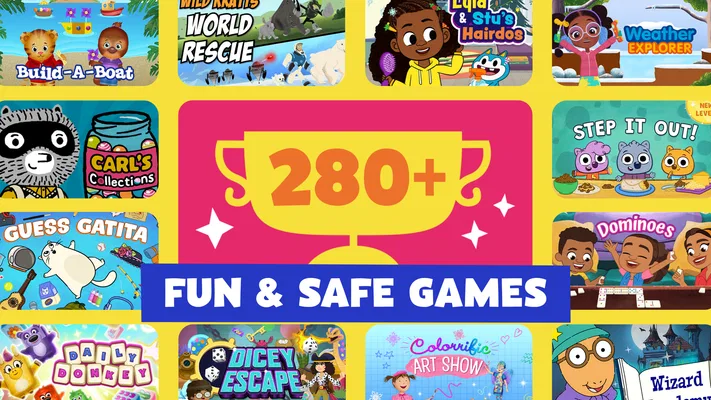
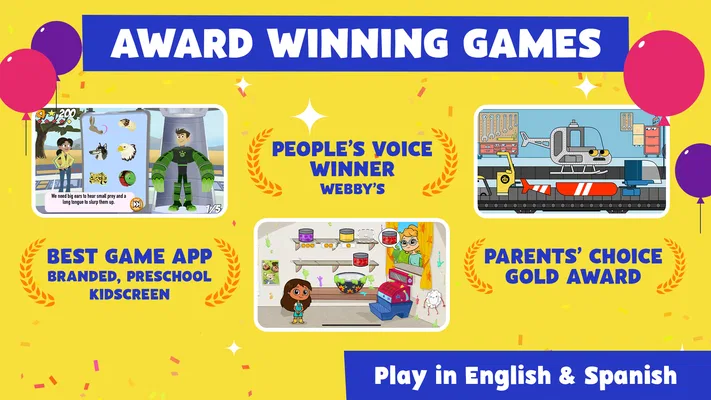
I like children’s games best when they give a child something to do right away, but still leave room to explore instead of turning every moment into a lesson. PBS KIDS Games aims for that balance through familiar characters and a collection of playful activities. In my view, it works particularly well as a gentle option for short, supervised play—especially when a child already enjoys shows such as Daniel Tiger or Wild Kratts.
This is a free educational game from PBS KIDS, rated Everyone. It has an average rating of 4.3 from around 55,000 ratings, and more than 10 million installs. Those figures suggest it has reached a broad family audience, but they matter less than the practical question: does it give a young child a satisfying activity without making play feel like a test? Often, yes, though the experience is better suited to casual exploration than to a structured learning plan.
Small goals make it easy to begin
The strongest starting point is how approachable the activities feel. A child who recognizes the characters has an easy way into play: choose something familiar, try the activity, and see what happens. That immediate connection is useful for younger players who may not want to read instructions or navigate a complicated game before they can begin.
I would use it in the sort of everyday gap that is too short for a long game: while waiting for an appointment, during a quiet stretch at home, or when a caregiver needs a brief, child-friendly distraction nearby. The activities are presented as play rather than as formal exercises, which can make a child more willing to try. For a parent, that also means the game can be offered without framing screen time as a reward for completing schoolwork.
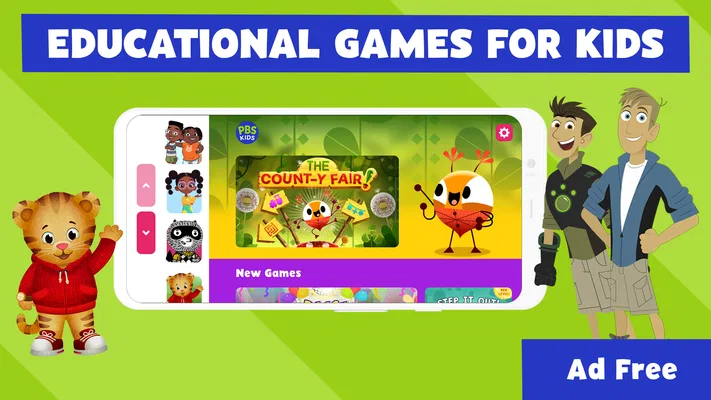
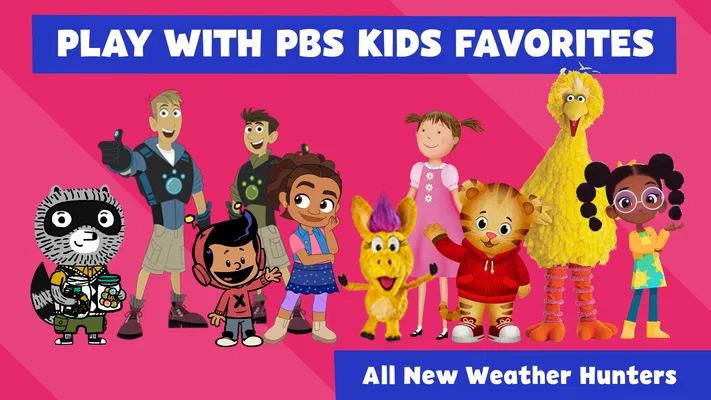
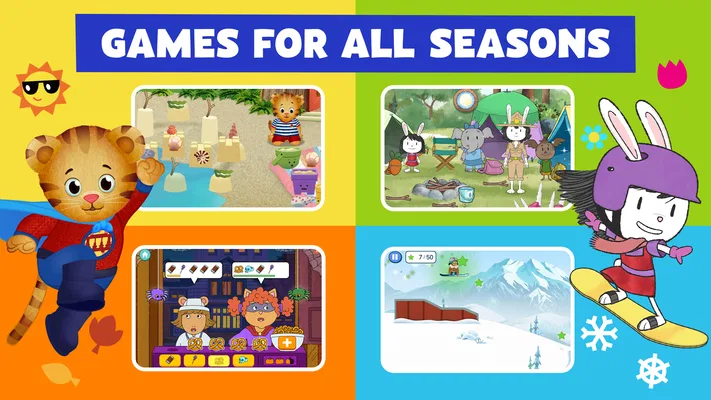
The familiar cast is more than decoration. Daniel Tiger and the Wild Kratts point toward different kinds of imaginative play, so a child can gravitate toward a character they already like rather than being asked to choose from unfamiliar options. That is a useful design choice for first sessions: recognition can lower the effort of getting started, particularly for children still developing confidence with menus and touch controls.
Progress is about trying, not collecting
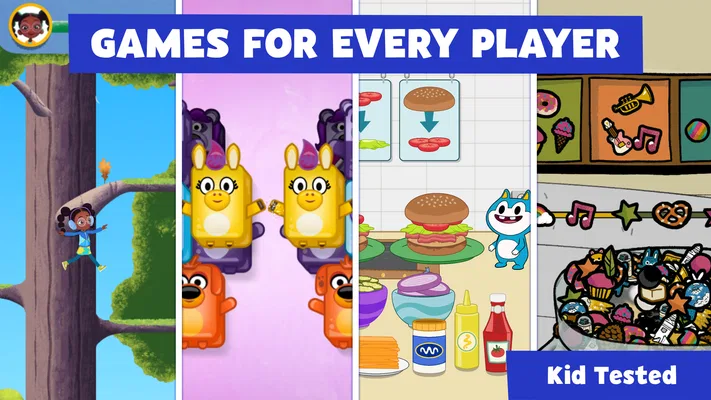
The game’s appeal is not built around a single long campaign. It is better approached as a set of character-led activities, where the immediate goal is to engage with what is on screen and complete a small task. That makes it easier to pick up for a few minutes and put down again without losing the thread of a complicated story.
Parents looking for obvious progress markers should set expectations accordingly. The experience is not best judged by how quickly a child unlocks a large sequence of content or advances through a demanding challenge ladder. Its useful signal is more modest: a child is willing to try an activity, repeat a task, or move on to another character. I find that kind of low-pressure progress more appropriate for casual play, though it may feel less compelling to children who want clear levels and rewards.
A practical tip is to let a child choose the character or activity, then ask them to explain what they are doing rather than asking whether they “won.” This keeps the focus on attention and experimentation. It can also show a caregiver which activities hold that particular child’s interest, without turning the session into a quiz.
Gentle challenge suits some ages better than others
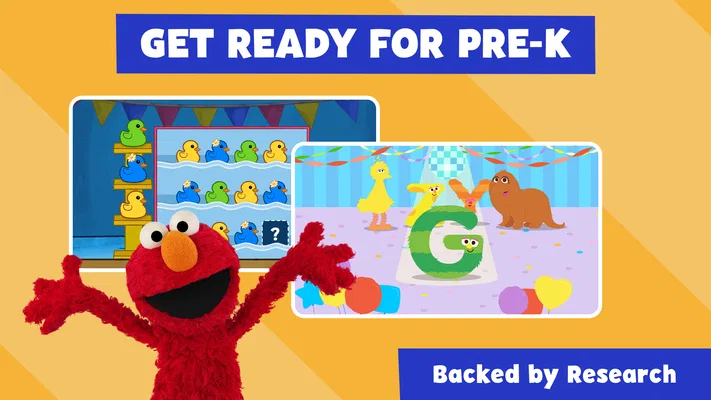
As an educational game, PBS KIDS Games is most convincing when a child can learn by interacting at their own pace. It is not the same as a lesson app that follows a clearly defined sequence, nor is it an action game designed around increasing difficulty. That softer approach can suit younger children who need room to tap, explore, and try again without feeling that every mistake is a setback.
The trade-off is that children who already enjoy complex puzzles or skill-based games may find the challenge too light. A child who wants precise objectives, a strong sense of mastery, or a steadily rising difficulty curve may be happier with a dedicated puzzle game or a more structured learning app. I would not choose this as the only tool for practicing a specific subject; its value is broader, more playful engagement rather than a focused course.
For a mixed-age household, it is worth watching how each child responds rather than assuming the same activity will suit everyone. A younger child may enjoy the familiar characters and simple goals, while an older sibling may move through the activities quickly and want more demanding play. In that case, it can still work as a shared starting point, but I would pair it with something more challenging for the older child instead of expecting the game to stretch equally far for both.
Short sessions are a strength, but variety has limits
The game’s easy entry makes brief sessions natural. A caregiver can offer it as one contained activity rather than committing to a long play period. That is helpful when a child needs a calm transition or when there is only a small window before dinner, a trip, or another routine. I would still stay nearby with a young player: choosing an activity and understanding what to do can be part of the experience, not something every child will manage independently at first.
There is also a retention trade-off. A collection of familiar, bite-sized activities can invite a child back, but it does not necessarily create the same momentum as a game with a visible long-term objective. If a child asks to keep playing because they are chasing the next reward or level, this may not satisfy that urge in the same way. I see that as a reasonable distinction, not a flaw: it makes the app easier to use casually, while reducing the pressure to keep progressing.
One useful way to avoid aimless browsing is to make the session choice specific: “Let’s try a Daniel Tiger activity,” or “Choose one Wild Kratts game.” A small boundary gives the child agency without leaving the adult to manage an open-ended stretch of screen time. It also helps reveal whether the child is drawn to a particular character, activity style, or simply the chance to explore.
What to expect from the app over time
PBS KIDS Games has been available since April 27, 2016, and its current version is 6.14.0. It supports devices running Android 7.0 or later. Those details are useful when checking whether an older device can run it, but they do not change the main question of fit: this is for families who want accessible, character-based play, not a deep progression system.
Because it is free, it is an easy option to try without making a purchase decision first. I would still treat a child’s first session as a trial: see whether they can find an activity they enjoy, whether the controls make sense for them, and whether the level of challenge holds their attention. A strong response from one child does not guarantee the same result for another, especially when preferences and ages differ.
Compared with a typical educational app built around drills, worksheets, or a visible curriculum, this feels more like an assortment of playful moments. Compared with a conventional entertainment game, its educational framing and familiar PBS KIDS characters are central to its identity. That middle ground is its clearest advantage, but also its limit: families wanting a specific learning sequence or a competitive-feeling game should look elsewhere.
My verdict on its progression
I would recommend PBS KIDS Games to caregivers looking for free, approachable play that can fit into everyday routines, especially when a child already likes the characters. Its early goals are easy to grasp, and its relaxed pacing makes it suitable for short sessions. The experience does not need a child to commit to a long chain of unlocks to feel usable, which is a plus for occasional play.
I would skip it as a main choice for children who want increasingly difficult challenges, strong long-term rewards, or a guided curriculum in one subject. It may also be less appealing if a child does not connect with the characters or prefers more complex games. In those cases, a focused educational app or a puzzle game with clearer progression may be a better match.
For families who do want this kind of low-pressure option, the key is to treat it as a menu of activities rather than a promise of continual advancement. Let the child choose, keep sessions manageable, and pay attention to which activities genuinely hold their interest. That is where PBS KIDS Games works best: as familiar, easy-to-start play that can add a little learning-minded exploration to an ordinary day without demanding that every session become a lesson.